All Families
- The IHM School App
- Download the School App to access important and time-sensitive information. Be sure to turn on notifications.
- Web Resources for Students
- Contains links to and privacy policies of online platforms and websites used by teachers and students
- Acceptable Use Policy
- All new families must sign this form for each new student enrolled at IHM in kindergarten – 8th grade to utilize technology and submit on or before the first day of school.
- All kindergarten families must sign and return this form to their child(ren)’s homeroom teacher on or before the first day of school.
- MyParish App
- All Parish information and contact links for staff for both parish and school is accessible from the App
- We also use the App for notifications of Mass cancellations, weather closures and reminders of important parish events and information.
- Great Faith Formation buttons for daily readings, podcasts, videos and much more!
Kindergarten – Eighth Grade Families
- Google Workspace for Education Fundamentals accounts
- Immaculate Heart of Mary School “will utilize the Diocese of Grand Rapids shared Google domain for common support and service”.
- All staff and students at IHM use Google accounts that are provided and managed by the diocese. IHM is provided with basic administrative capabilities.
- Infinite Campus
-
- Infinite Campus is the student information system utilized by the Diocese of Grand Rapids to record family demographics, grades, attendance, and school wide communications. Immaculate Heart of Mary 4th – 8th grade teachers use Infinite Campus as their primary grade book. Preschool – 3rd grade teachers also use Infinite Campus to record grades by quarter or semester.
- Students in middle school are given their own credentials to monitor their grades.
- Parents of kindergarten to eighth grade students are also encouraged to create their own Parent Portal accounts.
- Need your ID number to get started? Contact Ms. Kelly DeVries.
- Helpful links:
- Student Account and Device Monitoring
- Introduction letter for parents of KG – 5th grade students
- Information for parents of 6th – 8th grade students
- If you had created a Parent Portal parent account prior to 2020-2021, you will need to add your child(ren)’s DOGR Google account. To do so, log into your existing Parent Portal account when you accept your new email invitation. See the guide below for more information.
- How to Add Another Child to a Parent Portal Account: Bark for Schools
Fourth – Eighth Grade Families
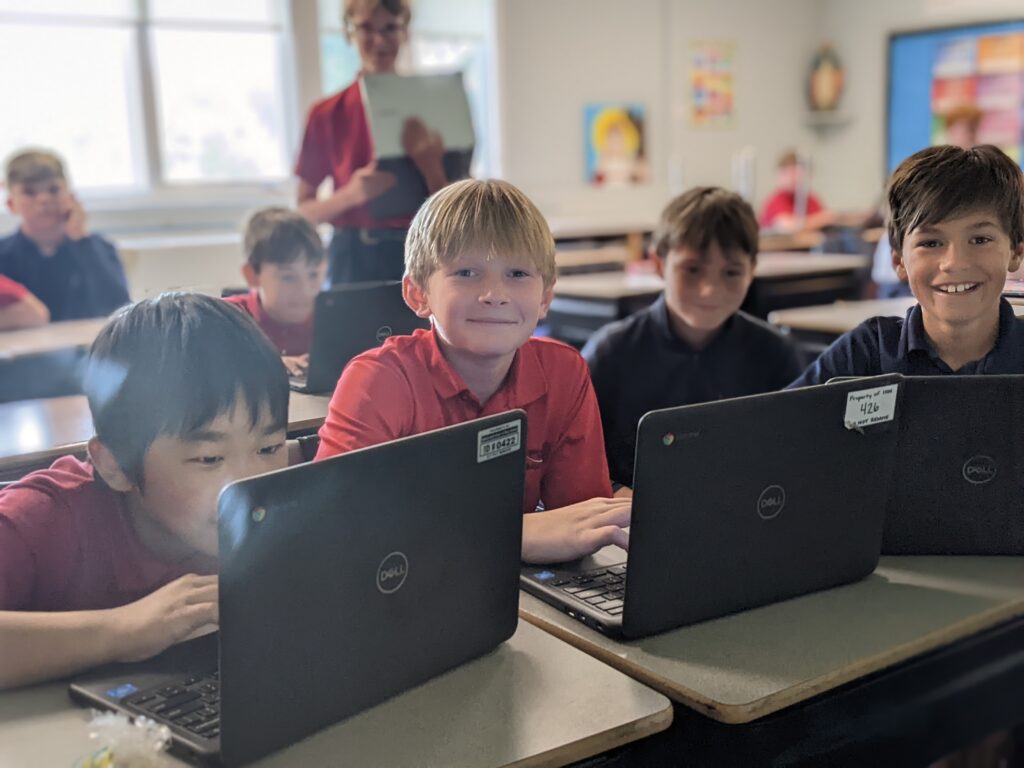
- New 4th-8th grade students and their parents must sign the Chromebook User Guide in order to be permitted to use a school-owned Chromebook.
- All parents of students in 4th grade and their child also need to sign the Chromebook User Guide.